In this guide we cover how to connect directly to your BNC using nbs-irc. Note that we use
the username "user"; don't forget to replace it with your own username.
#1.
Start mIRC with Nbs-irc installed and press F2 to bring up this box: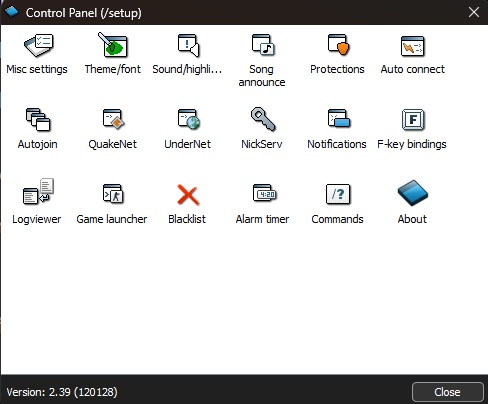
#2.
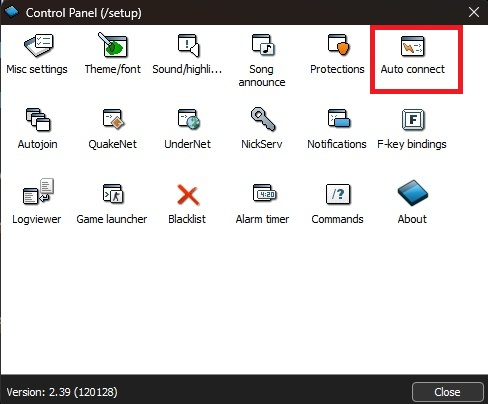
Double-click "Auto Connect":
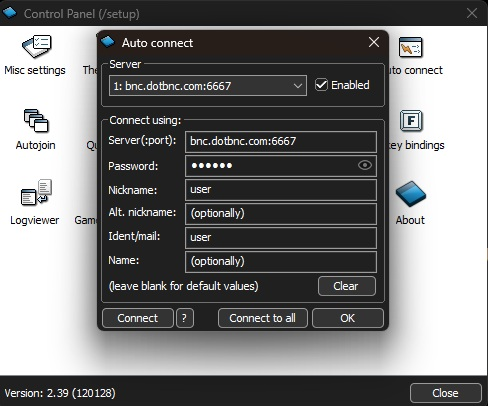
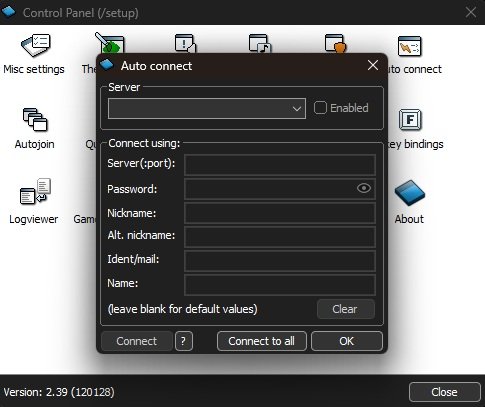
So that this box comes up:
#3.
Then fill in your details based on what you have for your BNC.
(Note that it must be the password for your BNC. Type the password like this: ident/ircnetwork:password e.g user/DALnet:thisISmyCOOLpassword)
Every time nbs-irc starts, you will now autoconnect to your BNC.